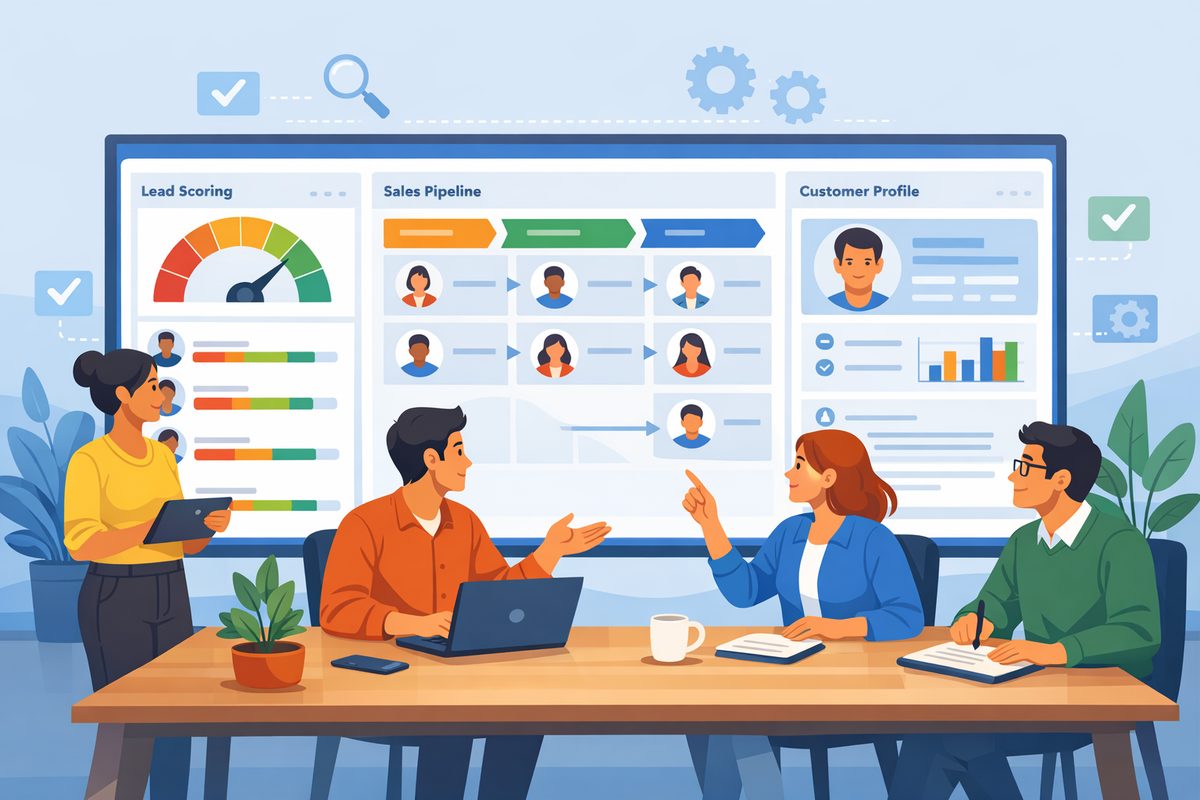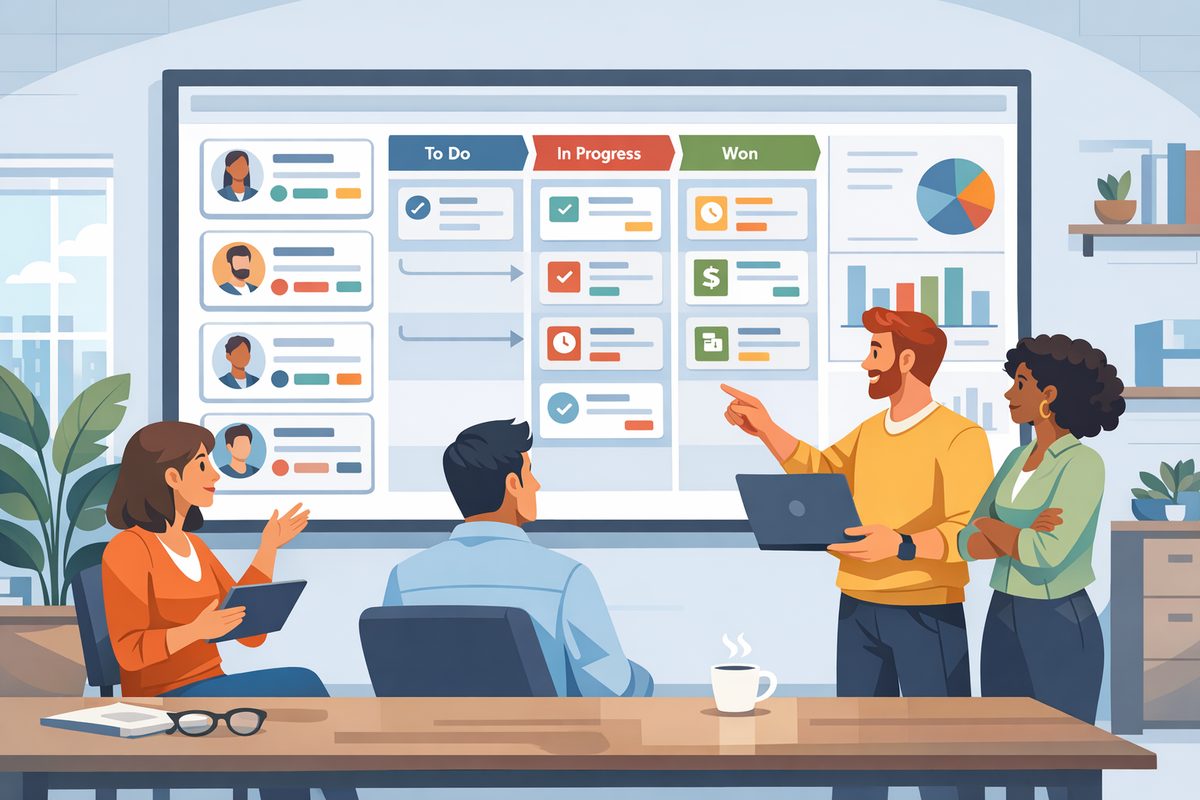








A CRM is only as useful as the context it holds. If reps still switch between their calendar, phone system, inbox and helpdesk to understand a customer, the CRM becomes another place to update rather than the place to work. The right integrations change that. They reduce manual entry, make follow-up more reliable and give sales, success and support teams a shared view of every relationship. The goal is not to connect every tool you own. It is to connect the daily systems that create customer activity and make that information easy to act on.
Start With the Workflow, Not the App Store
Many CRM integration projects begin with a list of available apps. That is tempting, but it often leads to noisy setups that sync too much data and solve too few real problems. A better starting point is to map the workflows where customer information is lost, duplicated or delayed.
For example, a sales rep may book discovery calls in a calendar tool, take notes in the CRM, make follow-up calls from a phone system and later ask support whether the account has open tickets. Each handoff is a potential gap. If the calendar event does not appear in the CRM, managers cannot see activity. If call recordings are not attached to the opportunity, the next rep lacks context. If helpdesk tickets are invisible, a renewal conversation can go badly.
Before adding integrations, identify three things:
- The trigger: What event should move data into or out of the CRM? Examples include a meeting booked, a call completed or a support ticket created.
- The destination: Where should the information appear so a user can act on it? This may be a contact record, company record, deal, task or timeline.
- The action: What should happen next? Examples include creating a follow-up task, notifying an account owner or updating a field.
This keeps integrations practical. Instead of asking whether your CRM can connect to a phone platform, ask whether completed calls should automatically log against the right contact, include call outcomes and create next steps when the customer does not answer.
Calendar Integration: Make Meetings Visible and Actionable
Calendar integration is often the simplest place to start because it supports a basic need: knowing who met with whom, when and why. For sales teams, meetings are a core activity. For customer success teams, scheduled check-ins and renewal conversations are important signals. When these events are hidden in personal calendars, the business loses visibility.
A useful calendar integration should do more than display events. It should connect meetings to CRM records and help reps prepare and follow up. For instance, when a prospect books a demo, the CRM can automatically associate the meeting with the contact and open opportunity. The rep can see recent emails, previous calls and relevant notes before joining the call. After the meeting, the CRM can prompt the rep to enter an outcome and schedule the next step.
What to configure
- Event-to-record matching: Use email addresses and domains to match meetings to contacts and companies. Review how the system handles guests who are not yet in the CRM.
- Meeting types: Separate discovery, demo, implementation, QBR and renewal meetings. This helps reporting and pipeline inspection.
- Automatic tasks: Create reminders for follow-up when a meeting ends and no next step is scheduled.
- Visibility rules: Decide whether private calendar events are excluded and how internal meetings are treated.
Keep the setup clean. If every internal meeting syncs to the CRM, timelines become cluttered. If no meeting types are required, activity reporting becomes vague. A practical approach is to sync only external meetings and require users to choose a meeting type for sales and customer conversations.
Phone Integration: Capture Conversations Without Slowing Reps Down
Phone calls are where important details often surface: budget concerns, competitor mentions, decision criteria, technical blockers and buying timelines. Yet call notes are frequently incomplete because reps move quickly from one conversation to the next. A phone integration can close that gap by logging calls automatically and making outcomes consistent.
The most valuable phone integration features are usually straightforward. Incoming and outgoing calls should be associated with the right lead, contact or company. Reps should be able to call from the CRM or see a customer record pop up when someone calls. After the call, they should choose a disposition such as connected, left voicemail, no answer or wrong number. If recordings or transcripts are available in your phone system, decide when they should be accessible from the CRM and who can view them.
Phone integration also helps managers coach more effectively. Instead of asking reps to describe calls from memory, managers can review logged activity, outcomes and notes during pipeline reviews. If deals repeatedly stall after pricing calls, the team can inspect examples and improve talk tracks.
Common mistakes to avoid
- Logging calls without outcomes: A call count alone is not very useful. Require a simple outcome field so activity has meaning.
- Syncing every number blindly: Shared office numbers, personal mobile numbers and duplicate contacts can create messy records. Clean phone data before rollout.
- Ignoring consent and access: Recording rules vary by region and business policy. Make sure call recording, retention and visibility are reviewed internally.
- Skipping missed-call workflows: Missed inbound calls from customers or prospects should create clear ownership and follow-up tasks.
A realistic workflow might look like this: a prospect calls back after receiving a proposal. The phone system identifies the number, opens the CRM record and shows the open deal. The rep answers with context, logs the outcome as pricing discussion and creates a task to send revised terms. The activity appears on the deal timeline for anyone involved in the account.
Helpdesk Integration: Bring Support Context Into Revenue Conversations
Sales and support may use different systems, but customers experience one company. If a sales rep calls an account to discuss expansion while the customer has unresolved support issues, the conversation can feel disconnected. A helpdesk integration gives revenue teams the context they need before they reach out and helps support teams understand commercial priority.
The key is not to copy every support detail into the CRM. Instead, surface the information that changes how teams act. Examples include open ticket count, latest ticket status, priority level, product area affected and customer satisfaction notes if your helpdesk collects them. For larger accounts, the CRM should show whether a support escalation is active before an account manager starts a renewal or upsell conversation.
Helpdesk data can also trigger useful workflows. If a high-value customer submits an urgent ticket, the account owner can be notified. If a prospect in an active deal opens multiple implementation-related tickets during a trial, the sales engineer can be looped in. If a customer has open billing tickets, the renewal owner can prepare before reaching out.
What support teams need from the CRM
The integration should work both ways where appropriate. Support agents may benefit from seeing customer tier, account owner, renewal date, contract status or implementation stage. This helps them understand context without leaving the helpdesk. For example, a support agent handling a new customer in onboarding may route a configuration issue differently than a general how-to question from a long-time user.
Be selective. Support agents do not need the entire sales pipeline, and sales reps do not need every internal ticket comment. Define which fields are shared, who owns them and how conflicts are handled when data differs between systems.
Design Data Rules Before You Turn on Sync
Integrations can improve CRM quality, but they can also multiply bad data. Before activating sync, decide how records are matched, created, updated and deleted. These rules are especially important when calendar, phone and helpdesk systems all contain customer identifiers.
Start with record matching. Email address is usually useful for contacts, while company domain may help with account matching. Phone numbers can be unreliable if they are shared, formatted inconsistently or missing country codes. Helpdesk records may use requester email, organization name or customer ID. Choose a matching approach and test it with real records, including duplicates and edge cases.
Next, define field ownership. If the CRM is the source of truth for account owner, do not let the helpdesk overwrite it. If the phone system stores call duration and disposition, let it update those fields in the CRM. If calendar meeting titles include sensitive details, consider whether they should sync fully or appear as generic activities.
Create a simple data governance checklist:
- Which system creates new contacts?
- Which system updates existing contact details?
- How are duplicates flagged and merged?
- Which activities appear on the CRM timeline?
- Who can change integration settings?
- How long are synced activities retained?
Run a pilot with a small team before broad rollout. Ask users to review whether activities land on the right records, whether timelines are readable and whether any important context is missing. Fix issues early, before the integration affects every account.
Measure Adoption by Better Behavior, Not Just Connected Tools
After integrations go live, success should be measured by whether work improves. A connected calendar is not valuable if reps still forget follow-ups. A phone integration is not valuable if call outcomes are skipped. A helpdesk integration is not valuable if account managers ignore open escalations.
Look for behavior changes such as more complete activity histories, fewer manual updates, faster follow-up after meetings, cleaner handoffs between sales and support and fewer surprises during renewals. Managers can reinforce these habits during team meetings and pipeline reviews. For example, a sales manager might inspect whether every late-stage deal has a recent meeting, a logged decision-maker conversation and no unresolved support risk. A customer success leader might review accounts with open tickets before renewal outreach.
Training should be workflow-based. Instead of showing users where an integration button is, teach scenarios. Show a rep how to prepare for a call using calendar history and helpdesk context. Show an account manager how to respond when a high-priority ticket appears on a customer record. Show support agents how to identify the account owner before escalating an issue.
It is also worth scheduling regular integration reviews. Business processes change, teams add tools and fields evolve. A quarterly review can identify cluttered activity timelines, broken mappings or workflows that no longer match reality. Keep what supports decisions and remove what creates noise.
Conclusion
Calendar, phone and helpdesk integrations can turn your CRM from a database into a practical operating system for customer work. The best setups are not the most complex. They are the ones that capture important activity automatically, show the right context at the right moment and prompt teams to take the next action. Start with the workflows that cause the most friction, define clear data rules and measure whether people make better decisions. When integrations are designed around daily work, the CRM becomes easier to trust and harder to ignore.